Articles
- Mainter
-
- 4 min reading
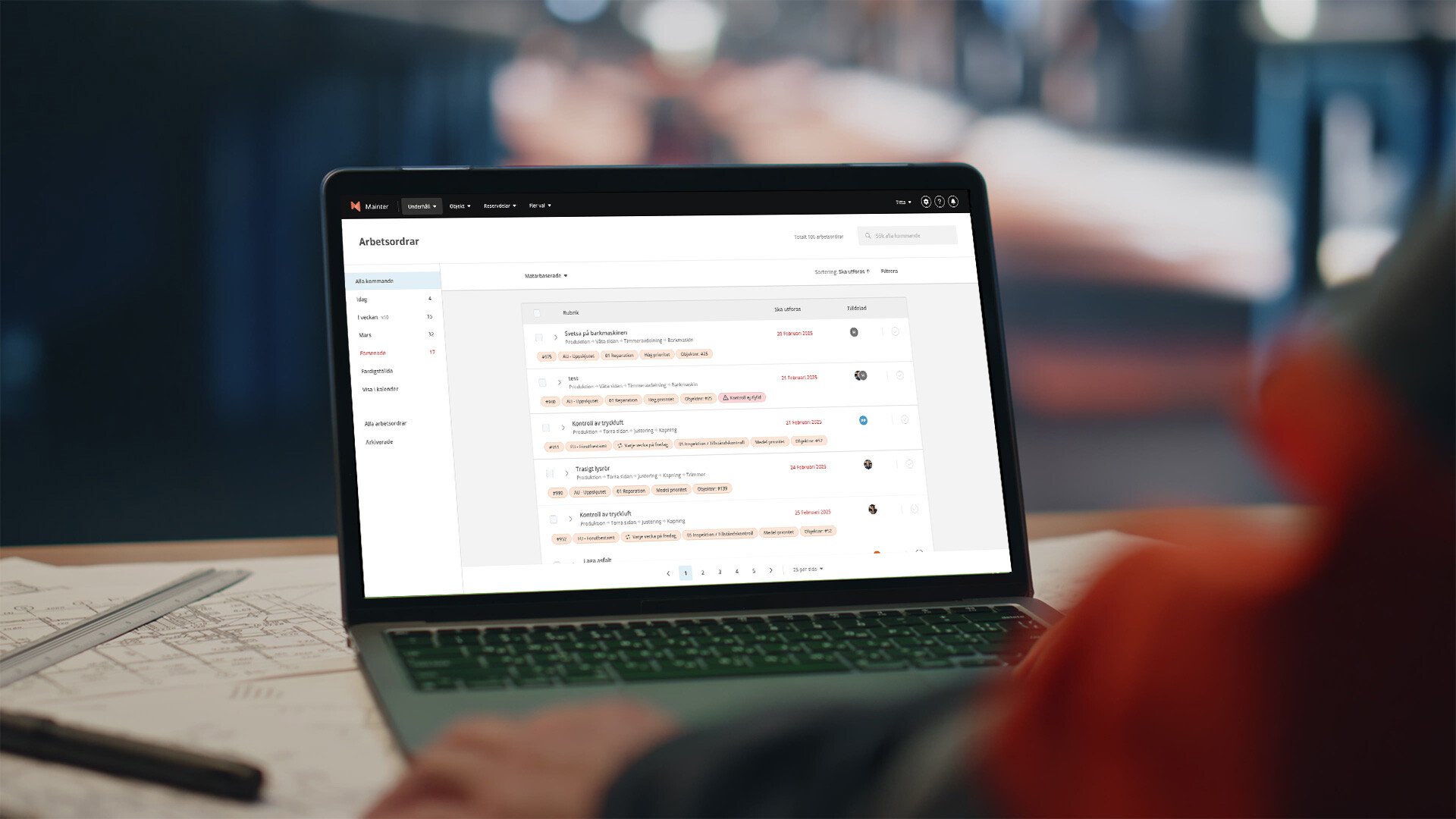
What is a CMMS system?
CMMS stands for Computerized Maintenance Management System and is a system designed to centralize, streamline and digitize maintenance work. Basically, it's about moving from binders, loose notes and complex Excel files to a structured, digital platform where all information about machines, properties and equipment is collected.
A modern maintenance system for businesses provides the entire department – from maintenance manager to operator – with an up-to-date view of your assets exactly when it’s needed. A digitized workflow makes it easier to avoid unplanned downtime, preserve the condition of your equipment fleet, and meet the industry’s regulatory requirements.
How a CMMS simplifies your maintenance
Working in a CMMS system means that the entire workflow is automated and simplified. Instead of reacting to faults as they occur (reactive maintenance), the system gives you the tools to work preventively.
The system acts as the 'brain' of the business. It keeps track of when a machine was last serviced, who did it, and when the next one is due. For technicians in the field, a mobile CMMS means they have all the information right in their pocket – from work orders and operator maintenance to checklists and spare parts – saving a huge amount of time and reducing the risk of errors.
The benefits
With Mainter CMMS, you get a user-friendly system built on modern technology and a deep understanding of the everyday life of maintenance professionals.
- Increased operational reliability: By systematizing preventive maintenance, the risk of costly breakdowns is minimized.
- Cost control: Gain full insight into what maintenance actually costs, from spare parts to working hours.
- Mobility: Mainter is built to be used on the floor. Report, fix and clear directly on your mobile.
- Traceability and data: All history is automatically saved, which facilitates audits and decision-making.
- User-friendliness: An interface that is easy to use in real life, making staff both want and able to work in the system.

Sectors that benefit from the system
The need for structure and reliability is present in most industries and businesses, but the application can vary. Here is a brief summary of the industries that benefit from Mainter CMMS.
Manufacturing & Industry
In manufacturing and industry, machine availability is everything. Every minute of unplanned downtime eats into margins. Here, the system acts as the backbone to maximize OEE (Overall Equipment Effectiveness). By shifting from emergency "firefighting" to planned, preventive maintenance, you ensure delivery reliability, more consistent quality and a safer working environment for operators.
Food & Beverage Manufacturing
For food and beverage manufacturing, maintenance is as much about operations as it is about food safety. A CMMS system helps you ensure compliance with strict hygiene requirements and standards. By digitizing rounds and maintenance instructions, you get full traceability, minimize the risk of contamination and have all documentation ready for the next audit.
Energy & Environment
In energy and environment, water and waste management, the demands on availability are extreme - society must not stop. Here, Mainter CMMS software is used to manage critical infrastructure spread over large geographical areas. The system ensures that statutory inspections are carried out on time and that environmental permits are complied with, while the history gives you full traceability of every action taken.
Features and functions
Mainter CMMS is equipped with a range of smart features that cover the entire maintenance process, from fault detection to action and analysis.
Work orders
The heart of the system. This is where jobs are planned, assigned and executed. Technicians can see exactly what needs to be done, what tools are needed and check off checklists directly in the app.
Work request (Fault report)
Makes it easy for operators or tenants to report faults. By scanning a QR code on the object, a fault report can be created in seconds, which goes directly into the assessment flow.
Asset management
A complete register of all your assets (asset register). Here you build a tree structure of the factory or property to easily navigate and see the history of specific equipment.
Spare parts management
Keep track of your inventory. Assign the right spare parts to the right machine so that technicians know if the part is available before starting work. The system can alert you to low balances.
Statistics
Make decisions based on facts, not guesses. Analyze which machines are breaking down the most, how much time is spent on reactive vs. preventive maintenance and follow up on your KPIs.
5 tips for implementing a CMMS
- Set clear goals: What do you want to achieve (e.g. 20% less downtime or paperless work).
- Involve users early on: involve technicians in the process. If they like the tool, the implementation will be successful.
- Start with critical equipment: Don't try to put in the whole fleet on day one. Start with the machines that are most important for production.
- Train your staff: Make sure everyone feels comfortable using the app and the web interface.
- Data accuracy: Be careful when entering objects and data from the start to ensure reliable statistics.

Frequently asked questions
Is Mainter a cloud-based (SaaS) system?
Yes, Mainter CMMS is a fully cloud-based SaaS system, which means you don't need to install anything on your own servers or worry about updates and backups. You can access the system from anywhere, from any computer or mobile phone, and always have access to the latest version.
How can we integrate Mainter CMMS into our business?
Mainter is built to be part of your digital ecosystem. Through our open API, you can easily connect the system with, for example, ERP, purchasing systems or machine data for a seamless flow of information.
Can we import data from Excel or our old system?
Yes, we have ready-made templates for importing your machine registers (objects), spare parts lists and supplier registers directly from Excel. This allows you to have your CMMS set up and ready to use in a very short time, often within a few days.
What is the difference between CMMS and EAM?
A CMMS generally focuses on the actual maintenance work and operations, while EAM (Enterprise Asset Management) is often broader and looks at the whole lifecycle of the asset, including acquisition, financial depreciation and disposal. For most maintenance departments, a modern CMMS covers all needs and more.
When is a CMMS the right choice?
If you feel you are losing control of your inventory, losing important knowledge when staff leave, or spending too much time looking for information - then it's time. Even smaller businesses quickly recoup the investment through reduced administration.
Try for Free
Want to Try Mainter?